Using lanyard colours and print to support event wayfinding
Lanyards and keyhangers function as essential visual aids at conferences by allowing attendees to quickly identify the people around them. When you assign distinct colours to different groups, you create an immediate wayfinding tool that reduces confusion across the venue floor. This approach transforms a simple strap carrying a name badge into a practical system that streamlines the entire attendee experience.
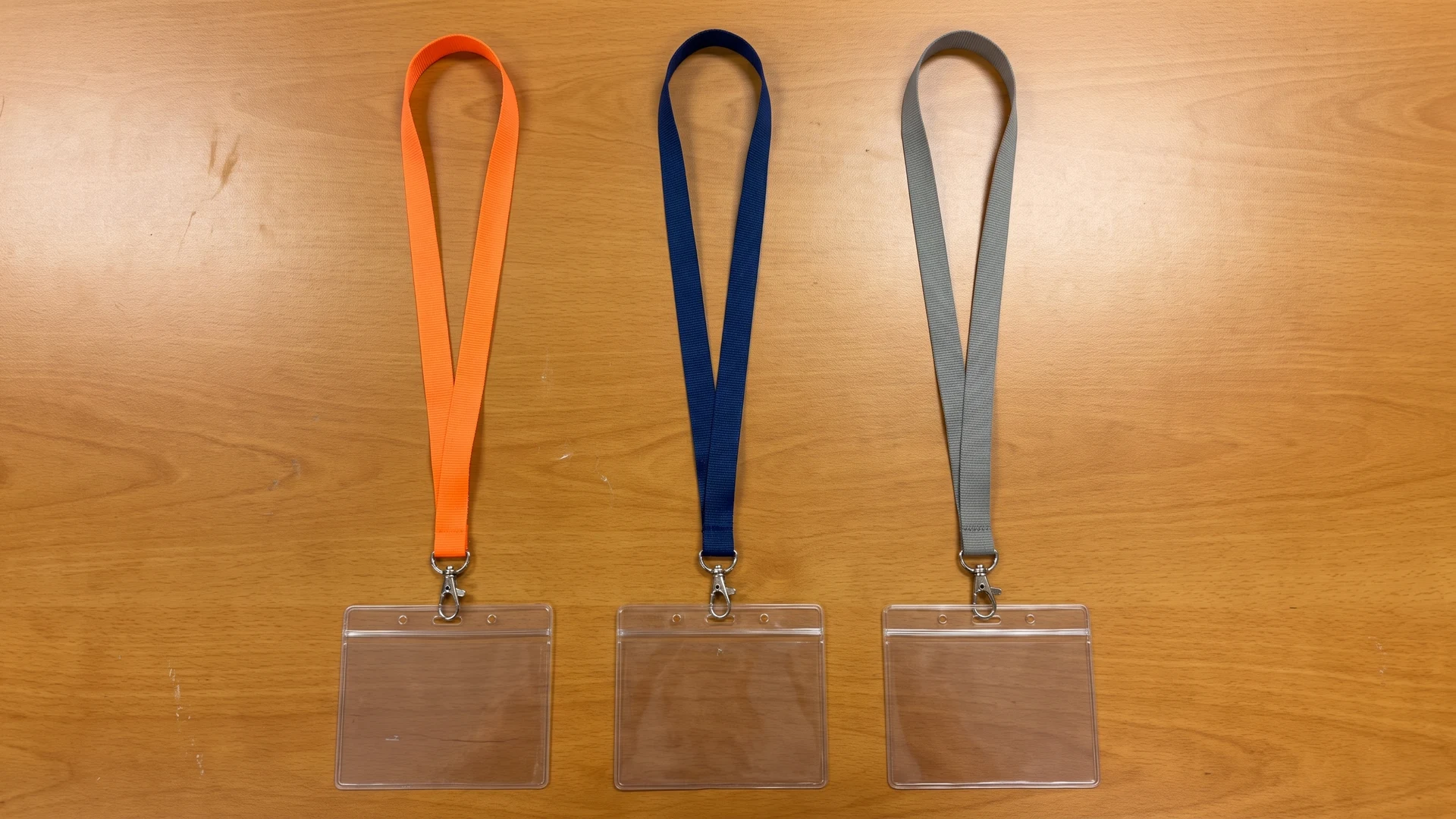
Allocating distinct colours to different attendee groups
Planning a clear colour-coding strategy helps your team establish immediate visual recognition throughout a busy event space. You should choose high-contrast colours for different categories to make identification as fast as possible. It is also important to avoid shades that look identical under artificial venue lighting.
General attendees and visitors
The majority of your lanyard order will usually go to general attendees and visitors. Selecting a neutral or brand-aligned colour for this large group allows the other, more specific categories to stand out clearly against the crowd. You should ensure the chosen shade provides a strong background for any printed text or sponsor logos.
Event staff and volunteers
Event staff and volunteers need to be highly visible so attendees can find help immediately. Bright, high-visibility colours like red, yellow, or neon orange work well to separate your team from the general audience. This clear distinction helps manage crowd flow and allows security personnel to identify authorised workers at a glance.
Speakers and sponsors
Speakers and sponsors often require separate access passes or distinct recognition as they move through the venue. Assigning a premium colour like black, navy, or silver highlights their status while keeping the overall wayfinding system organised. You can also match the lanyard strap width to the specific credentials they carry, ensuring their name badges and access cards remain comfortable to wear.
Designing printed text and logos for quick recognition
When you print text and logos onto a lanyard strap, you must prioritise legibility from a distance over intricate artwork. Because the strap offers limited space, you should use vector graphic files and maintain a minimum line thickness between 0.5 millimetres and 1.0 millimetres to ensure the design remains clear. High contrast between the text and the background material is vital, as low-contrast pairings often disappear completely under poor event lighting.
The printing method you choose also dictates how well the final design reads on the material. Screen printing works well for simple logos and bold text, as the ink sits directly on the surface of synthetic materials like polyester and nylon without absorbing into the fibres. If your design requires complex details or edge-to-edge coverage, dye sublimation transfers the ink directly into the polyester using heat to produce a highly readable finish.
Avoiding common design and colour mistakes
A carefully planned lanyard setup only works if you avoid errors that complicate the visual wayfinding system. Keeping your strategy simple prevents confusion at the registration desk and on the venue floor. This ensures the credentials function exactly as intended during the event.
Limiting the number of attendee categories
Creating too many attendee categories dilutes the effectiveness of your colour-coding strategy. If your team introduces eight different lanyard colours, attendees will struggle to remember what each shade represents. You should stick to three or four primary categories to maintain immediate, clear recognition across the venue.
Ensuring high contrast against clothing
The lanyard strap must remain visible against a wide variety of attendee clothing choices. Dark colours often blend into business suits, which can make it difficult for security personnel to spot the correct credentials from a distance. Selecting bold or light colours for critical groups ensures the lanyard stands out clearly regardless of what the wearer has on.
Balancing sponsor logos with functional text
Event organisers often want to provide maximum value to sponsors by printing large logos across the lanyard strap. However, cluttering the material with too much information makes the functional text harder to read. You should balance promotional elements with clear, readable fonts so the strap retains its primary purpose as an identification tool.
Connecting the lanyard strap to the correct badge holder
A colourful lanyard only supports your event if the identification badge it carries remains visible and secure. Matching the lanyard strap to the appropriate attachment hardware and badge holder ensures credentials always face forward. You must choose connections that handle the natural movement of attendees walking through the venue.
- Swivel hooks: A swivel hook uses a rotating joint that disconnects the movement of the lanyard from the badge holder. As the user walks and the strap twists, the swivel joint absorbs the movement while gravity pulls the badge downward to face forward.
- Double-ended attachments: Connecting the lanyard strap to two separate holes on the left and right sides of the badge holder creates a stable triangle of tension. This dual connection physically locks the badge in place, counteracting rotational forces and ensuring the text remains parallel to the chest.
- Bulldog clips and lobster claws: Bulldog clips pinch directly onto clothing or slot-hole straps, allowing the badge to lay flat without twisting. Lobster claws hook directly into the pre-punched holes of a vinyl badge holder and feature a spring-loaded gate that provides a secure, locked-in closure.
Distributing colour coded lanyards efficiently at registration
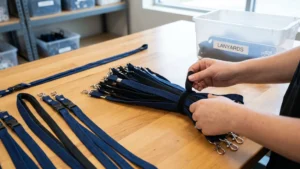
Managing the registration desk efficiently ensures that the correct coloured lanyards go to the right people without causing queues. When attendees arrive, your team should store the different categories in clearly marked, separate bins to speed up the handover process. Staff can then quickly attach the correct badge holder, check that the printed side faces outward, and hand over the complete setup so the attendee can enter the event smoothly.
How should you choose the number of lanyard colours for roles?
Start with the smallest set that covers your distinct roles, then add only where confusion remains. Pick hues that are clearly different under venue lighting and on camera. Back up every colour with printed role text so recognition does not rely on colour alone.
How do you make role text readable on a narrow lanyard?
Use high contrast and a bold sans serif font, which means letters without small finishing strokes. Keep role words short and repeat them along the strap for quick scanning. Maintain a minimum line thickness around 0.5 mm and avoid delicate outlines on woven straps where text is formed from threads.
Which printing method gives the clearest role labels and simple logos?
For detailed, full colour role labels on polyester, dye sublimation transfers the design into the fibres using heat. Screen printing places ink on the surface and suits bold text and solid colours. Woven logos use threads and need simple shapes with strong contrast to stay legible.
How do you avoid confusingly similar lanyard designs between groups?
Separate groups with distinct hues, not adjacent shades, and pair each colour with clear role text. Add a second cue such as a contrasting edge, a unique attachment shape, or a different badge holder orientation. Test prototypes under low light and with tools that preview how different people see colours.
Which attachment keeps the lanyard colour and text facing forward?
A swivel hook uses a rotating joint so the lanyard can twist while the badge stays front facing. A double ended lanyard with two clips anchors both badge corners and improves stability. A wider strap also reduces twisting and helps the colour block stay visible.